Spindle Software
Why schools use it
At the end of every term, teachers copy marks between exercise books and spreadsheets, work out grades and positions by hand, and write report cards one by one. It takes days, mistakes creep in, and parents wait.
With EduTrack each mark is typed once. Everything after that, the grade, the average, the position in class, the report card and the message to the parent, is worked out by the system the same way every time.
A term with EduTrack
- Set up the term
Classes, subjects and teachers are in place; pupils are added or imported from Excel.
- Teachers enter marks
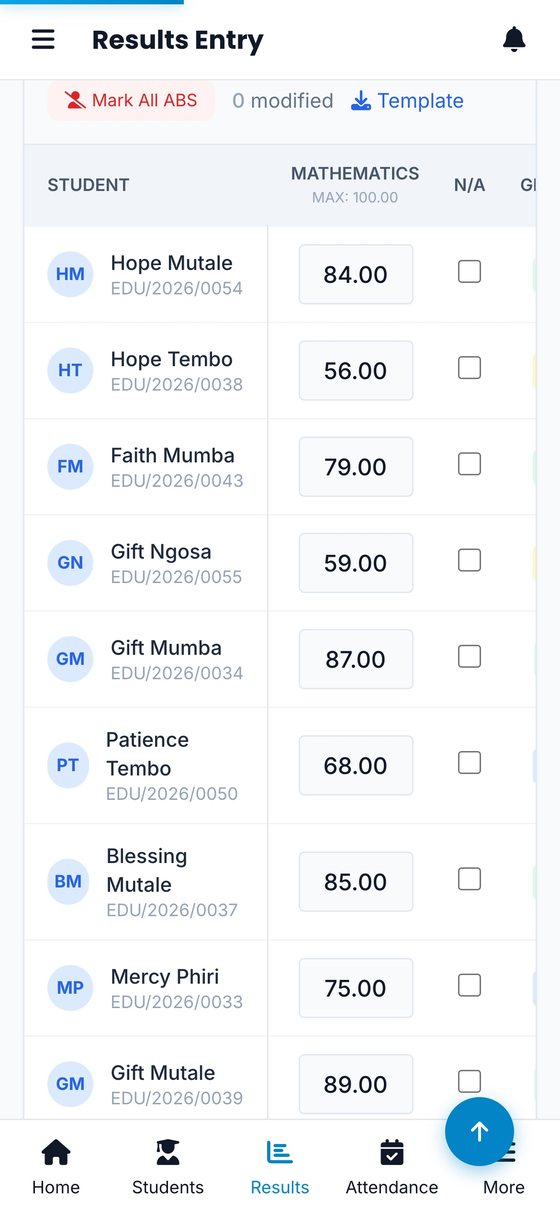
By class or by subject, from any browser, as tests and exams are marked.
- The system grades and ranks
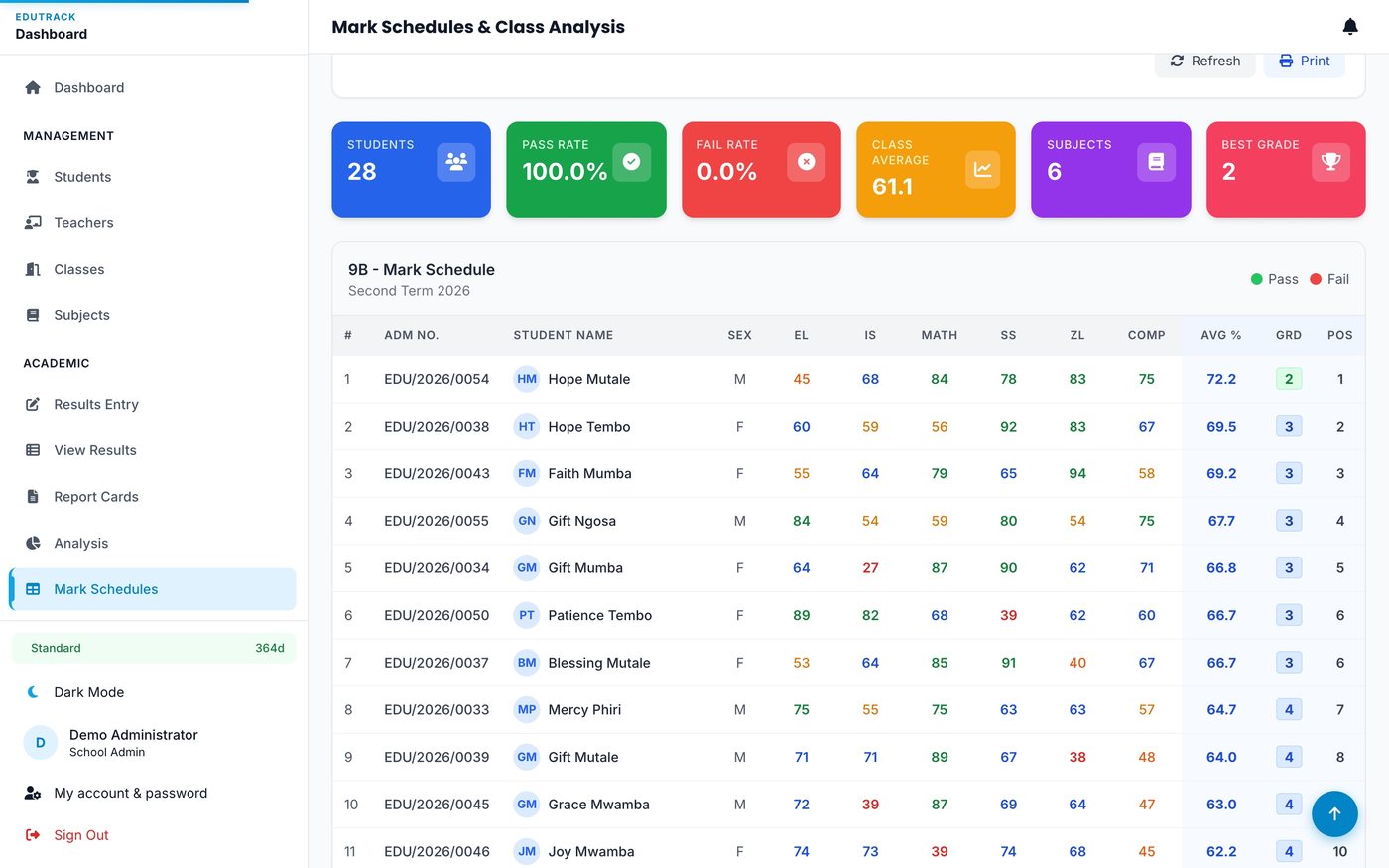
ECZ 1 to 9 grades, totals, averages and class positions, worked out instantly.
- Report cards and schedules print
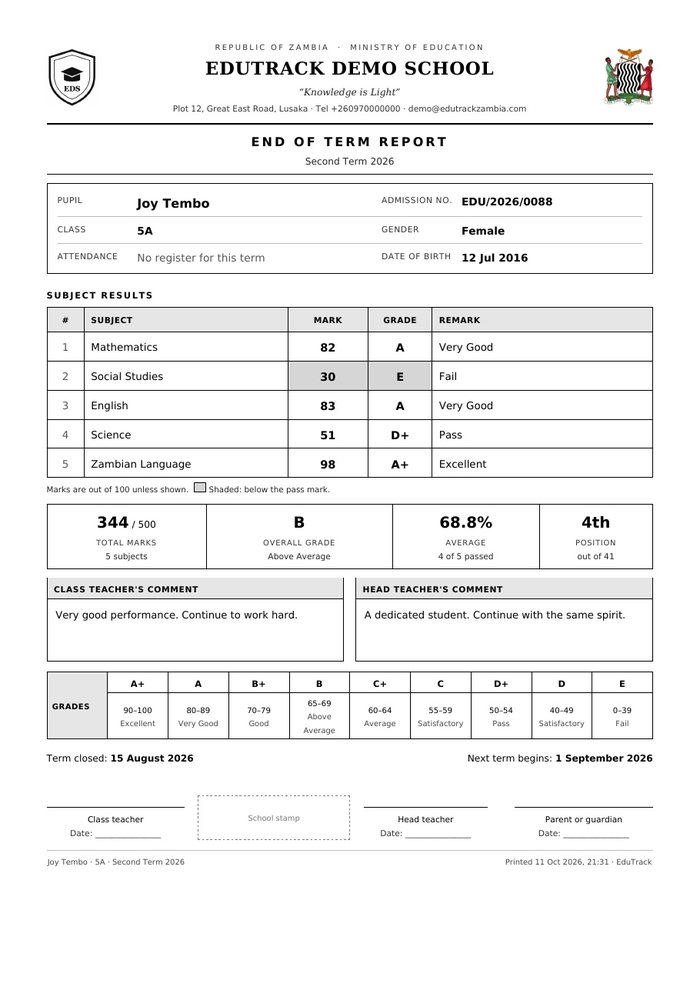
Report cards and mark schedules come out as PDFs, ready to print.
- Parents get the results
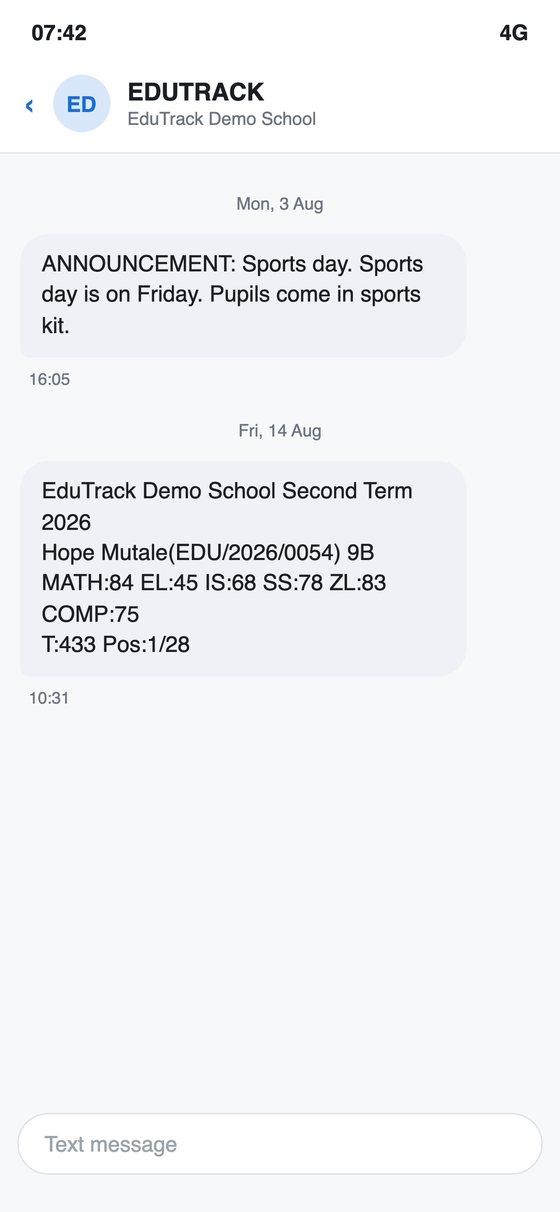
By SMS to their phone, and through a results lookup on the web.
What it does
Pupils and classes
- Pupil records with admission numbers and guardian details
- Classes, grade levels and class teachers
- Core, optional and practical subjects
- Teacher records and subject assignments
Results
- Results entry by class or by subject
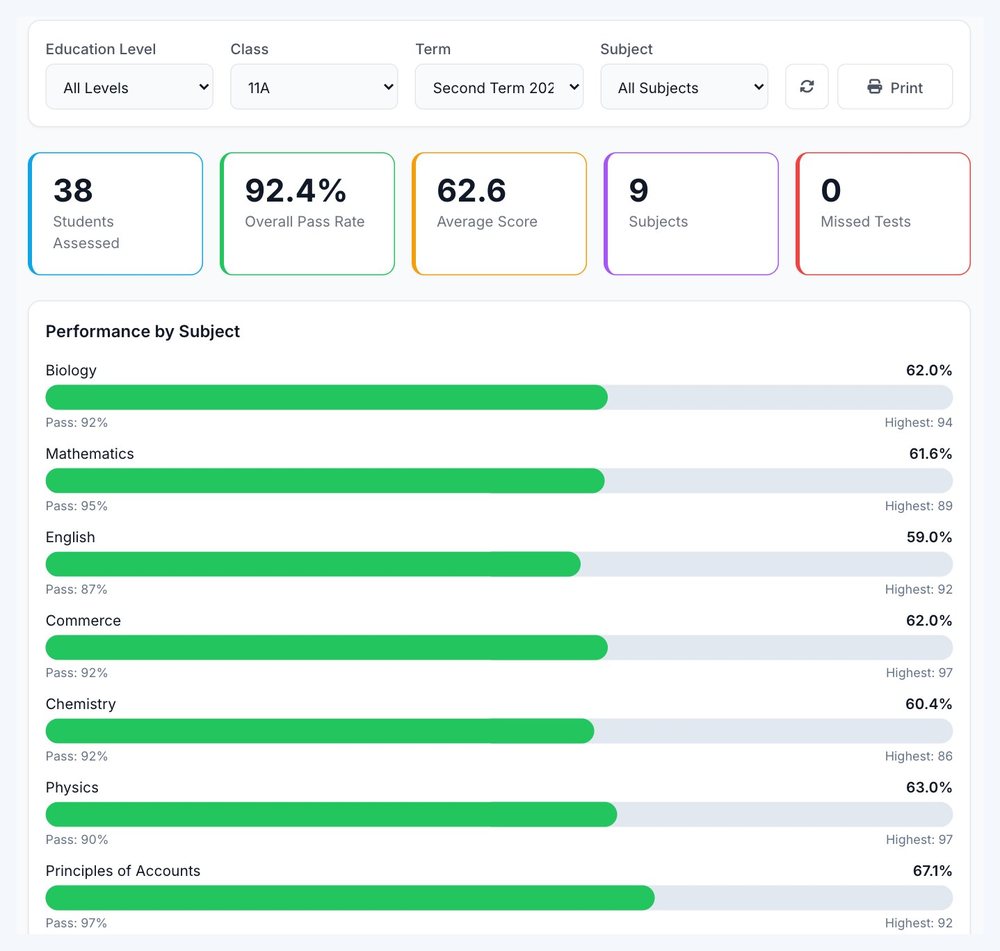
- ECZ 1 to 9 grading, totals, averages and positions
- Report cards and mark schedules as PDFs
- Every term since the school started, kept and searchable
Parents
- Results sent by SMS
- Public results lookup on the web
- Announcements to parents
Running the school
- Daily attendance with statistics
- School fees, including payment by mobile money
- District, provincial and ministry dashboards
See it
Questions schools ask
We already have records in Excel. Do we start again?
No. Pupil lists and past results can be imported from Excel, and we do the first import for you.
Who can see what?
Teachers see their classes and subjects; the head teacher and administrators see the whole school. Parents see only their own child's results.
How do the SMS messages work?
Results and announcements go out through a bulk SMS gateway with the school's name as the sender where the network allows it. SMS credit is topped up as it is used.
Is our data safe?
It is backed up every night to a second location, and only your school's users can sign in to it. The school owns its records; we process them on its behalf.
What does it cost?
EduTrack is a subscription priced for the size of the school. Ask for a quote and a demo with your own classes.